Podcast Editor Options on iPhone and iPad
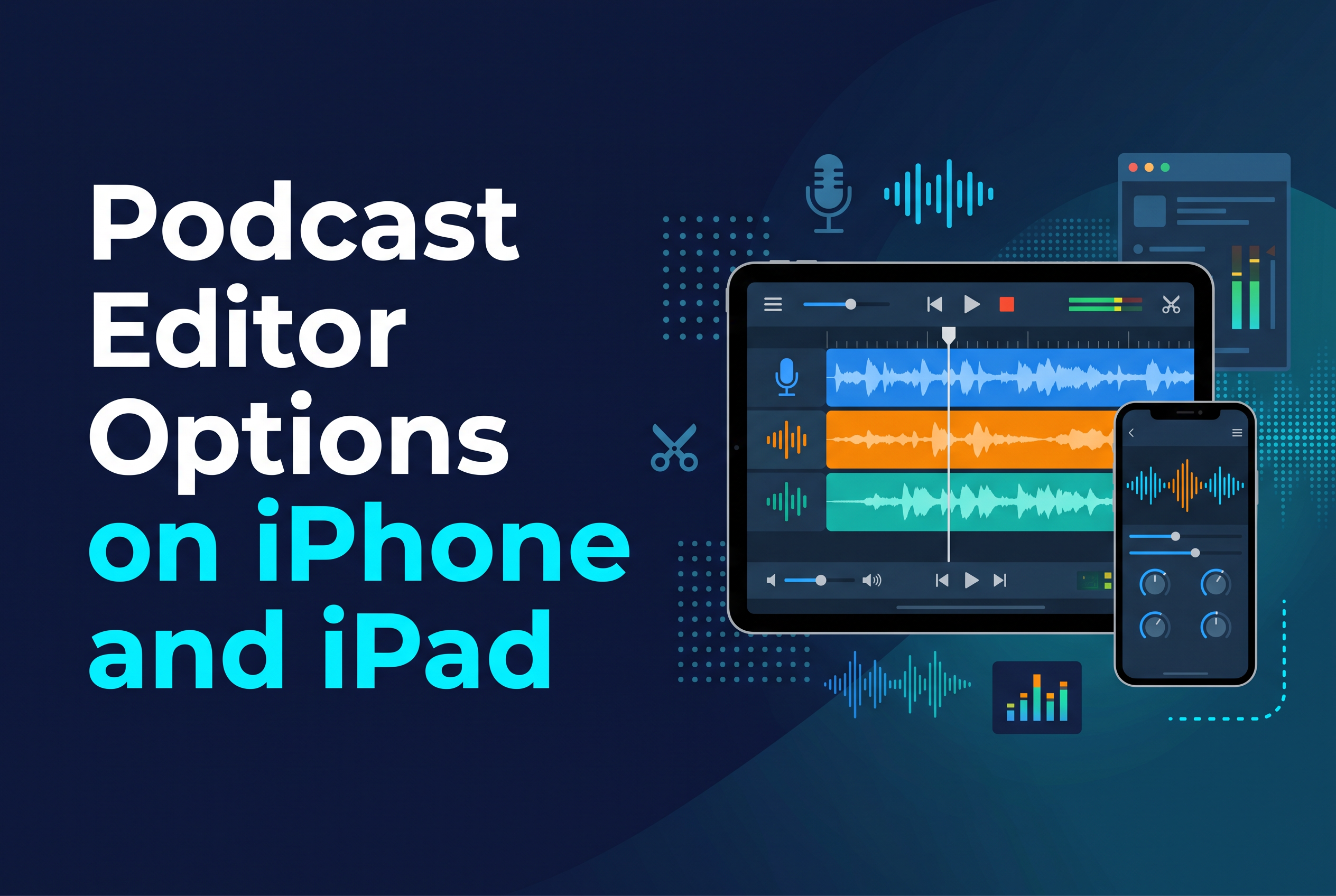
The best podcast editor on iPhone and iPad depends on how you like to edit: Ferrite if you want a serious waveform editor on a tablet, GarageBand if you want a free one, and a transcript-based editor if you would rather edit words than squiggly lines. Adobe Podcast Enhance Speech is worth adding as a cleanup step, but it is not an editor.
That's the short version. The longer version matters because the three styles of editing feel completely different, and picking the wrong one is how people end up abandoning a perfectly good recording halfway through. This guide sorts the options by editing style, gives you prices where they're known, and ends with which kind of show suits which tool.
What a podcast editor actually needs to do on iPhone and iPad
A podcast editor needs to do four jobs well: cut mistakes and dead air, balance levels between voices, export in the format your host wants, and do all of that without making you feel like you need a degree in audio engineering. Everything else is a bonus.
On a phone or tablet, two extra constraints apply. Screen space is tight, so precise trimming has to be comfortable with a finger or Apple Pencil. And the app has to cope with long files, because an hour of speech is a lot to push around on a mobile chip.
There are three broad approaches. Waveform editors show you the audio as a visual shape and you cut by eye and ear. Transcript editors turn the speech into text and you delete words to delete audio. Cleanup tools don't edit at all. They process a recording to make it sound better. Most podcasters end up using one editor plus, optionally, one cleanup tool. Decide which style fits your brain first, then pick the app.
Waveform editors on iPhone and iPad: GarageBand and Ferrite
If you want the traditional approach, Ferrite is the strongest pick for editing mainly on an iPhone or iPad, and GarageBand is the best free starting point.
Ferrite is a popular option for editing audio on mobile devices. It's free to start, and Pro is about $30 as a one-time purchase. The trade-off of any waveform editor is that you learn by doing. Expect an evening or two before cutting feels quick.
GarageBand is an accessible option across Apple devices. It does multitrack recording and editing, which covers most simple podcast formats: one or two voices, an intro, some music. It isn't podcast-specific, so you'll be working with a general music-and-audio interface, but the price is hard to argue with.
Choose a waveform editor if you want fine control over every cut, you're mixing music beds or multiple tracks, or you already think in terms of timelines. Skip it if the idea of scrubbing through an hour of audio to find a cough fills you with dread.
Transcript-based editing: Descript and Cutscript (coming soon)
Transcript-based editors let you edit audio by editing text: delete a sentence in the transcript and the matching audio disappears. For talky shows, it's a much faster way to find what you want to cut.
Descript is the established name here. It's a well-known transcript-based audio and video editor with both free and paid options. It suits you if your workflow includes a computer, rather than relying entirely on mobile devices.
Cutscript is an upcoming transcript-based editor for iPhone and iPad from SAIL Corp. It isn't on the App Store yet, and you can join the waitlist at sail.care/cutscript. When it launches, it edits video by editing the transcript, automatically cuts filler words, and adds captions. It runs on device, is free up to 3 minutes, and Pro is about £2.50 a month. It's aimed at video and short-form clips, so think of it as a way to edit video podcasts and clips rather than a replacement for a multitrack audio editor.
If you want to see the approach in practice before it launches, these guides cover the same method: edit video by editing text on iPhone and remove filler words from video on iPhone.
Adobe Podcast Enhance Speech: a cleanup tool, not a full editor
Yes, Adobe Podcast can enhance speech. Enhance Speech is an AI cleanup tool that processes a recording to make voices clearer, but it doesn't cut, arrange or mix anything, so it sits alongside your editor rather than replacing it.
It's free to try. The free plan allows files up to 30 minutes long with a 500 MB size limit, and up to one hour of processing per day. It handles audio only, one file at a time, with no bulk uploads and no way to adjust the enhancement strength. Premium features come with Adobe Firefly Pro at $19.99 a month.
The practical workflow: edit first, then run the finished audio through Enhance Speech, or run a problem recording through it before you edit. Because of the 30-minute cap on the free plan, longer episodes need splitting into chunks. Listen to the result before you publish. Heavy processing can make a voice sound slightly artificial, and that's a matter of taste you have to judge by ear.
How to improve podcast sound quality before and after you edit
The biggest gains in podcast sound quality come before you press record, not after. Software can tidy a recording, but it can't fully rescue a bad one.
Before you record:
Record in the quietest room you have. Soft furnishings, curtains and a duvet-draped corner beat any plugin.
Get the microphone close, a hand's width from your mouth, and keep that distance steady.
Do a 10-second test, put headphones on and listen back. Fridge hum and traffic are easier to fix at this stage than in the edit.
Record each speaker on their own track where you can, so you can adjust levels separately.
While you edit:
Cut the long pauses, false starts and filler words. Tighter pacing makes a show feel better produced even if the audio is identical.
Balance levels so one voice doesn't sit noticeably louder than another.
After you edit:
Run speech through a cleanup tool like Adobe Podcast Enhance Speech if there's background noise you couldn't avoid.
Check on earbuds and on a phone speaker. That's where most of your audience will listen.
If your show also lives as video, adding captions to iPhone video helps clips get watched on mute.
Which podcast editor suits which kind of show
Match the editor to the show, not the other way round. Here's how the options stack up on the criteria that matter most: where it runs, how you edit, and what it costs.
| Option | Editing style | Runs on | Pricing |
|---|---|---|---|
| Ferrite | Waveform, multitrack | iPhone, iPad | Free to start; Pro about $30 one-time |
| GarageBand | Waveform, multitrack | Apple devices | Free |
| Descript | Transcript | Mac, Windows | Free and paid tiers available |
| Cutscript (coming soon) | Transcript, video-focused | iPhone, iPad | Waitlist only; free up to 3 minutes, Pro about £2.50/month |
| Adobe Podcast Enhance Speech | Cleanup only | Browser | Free tier; premium via Firefly Pro at $19.99/month |
Our ranking for an iPhone and iPad workflow, by those criteria:
Ferrite for serious audio-only shows edited mainly on a mobile device.
GarageBand for beginners and anyone who wants zero cost.
Cutscript (once it launches) for talky video podcasts and clips where editing by text beats scrubbing a timeline.
Descript if a Mac or Windows machine is part of your setup.
Adobe Podcast Enhance Speech sits outside the ranking because it complements any of them.
A two-person chat show with music beds? Ferrite or GarageBand. A solo talking-head show you also cut into social clips? Wait for Cutscript, and in the meantime see how to cut a podcast into short clips. A noisy recording from a coffee shop? Any editor plus Enhance Speech.
Pick your editing style, then join the Cutscript waitlist if you edit by text
There's no single best podcast editor, only the one that matches how you like to work. Waveform people should start with Ferrite or GarageBand today. People who would rather delete words than hunt through audio should look at transcript editing. If you want that on your iPhone or iPad, with filler-word cuts and captions built in, join the Cutscript waitlist at sail.care/cutscript and you'll hear as soon as it reaches the App Store.