Make a Paper Edit from a Rough Transcript
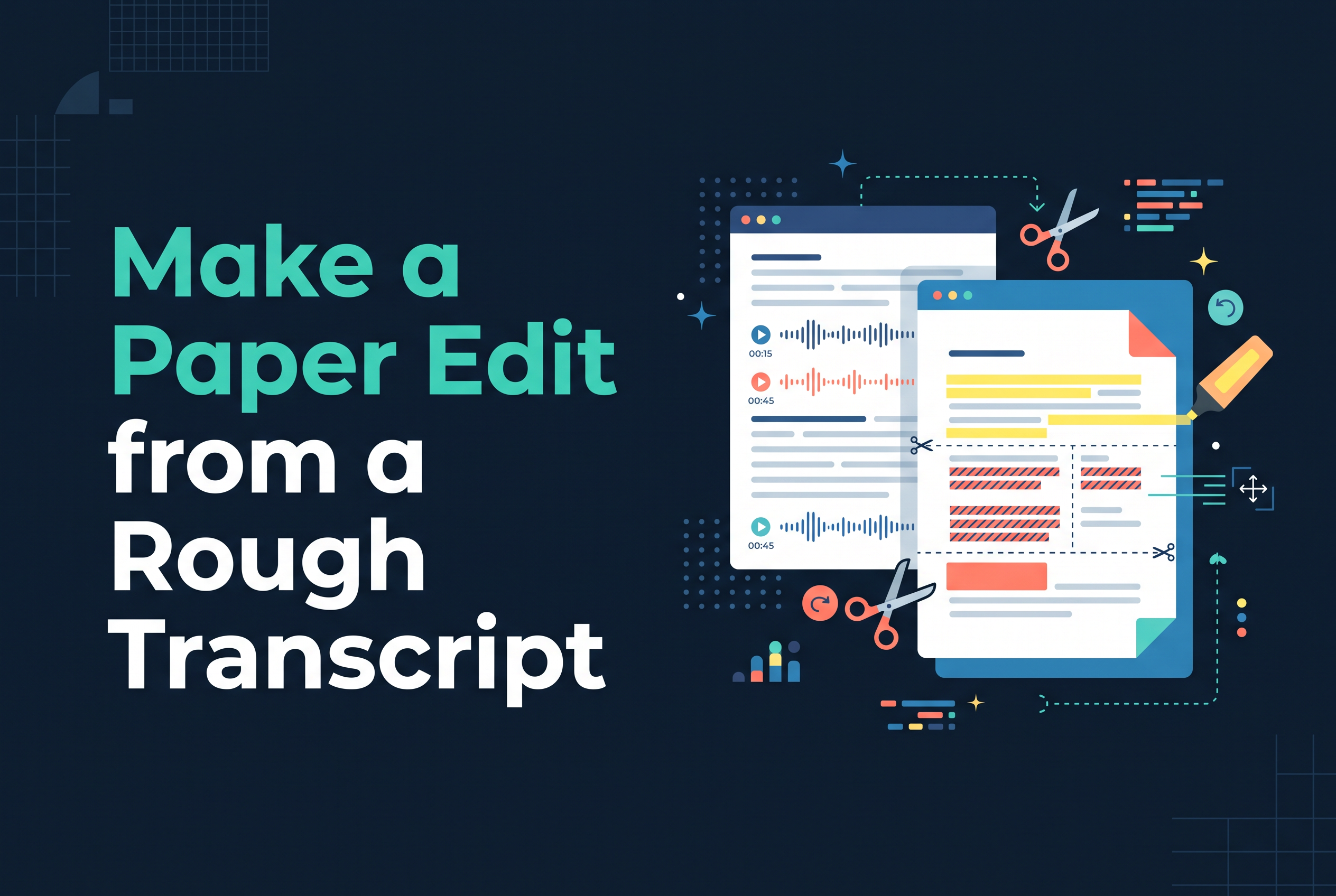
To make a paper edit from a rough transcript, clean it just enough to trust it, mark the lines that earn their place, then copy those quotes into story order with timecodes, one page, before you touch any footage. A paper edit is a written plan of the clips you'll use, in the order they'll appear. For solo creators who film talking videos on a phone and dislike editing, it turns a 12-minute ramble into a decision you make once, on paper, instead of a hundred small decisions on a timeline.
This walkthrough uses UK English, needs no special software, and ends with a worked example you can copy.
What a paper edit is (and why a rough transcript needs one)
A paper edit is a one-page document listing the verbatim quotes you'll keep, who said them, where they sit in the source footage, and the order they'll play in. Documentary editors use it to build a story from hours of interview. You can use it to build a 60-second clip from one rambling answer.
A rough auto-transcript is the worst place to start editing. It reads as one grey wall of text, with no sense of what matters. A paper edit forces the question every talking video has to answer: what is this clip actually saying?
It also differs from a rough cut. A paper edit is the plan, made in text. A rough cut is the first assembly of that plan on a timeline. Do the paper edit first and the rough cut mostly builds itself.
Step 1: Clean the transcript just enough to trust it
Clean only what would make you misread the transcript: wrong names, mangled terms, missing speaker labels and absent timecodes. Don't polish the prose. You're fixing it for accuracy, not for reading pleasure.
Fix proper nouns and jargon first, since auto-transcripts mangle them. Add speaker names if there's more than one voice. Make sure timecodes appear at least every paragraph, ideally every sentence. Leave the ums and false starts in for now. They're useful clues about where a thought restarts.
If you want a fuller checklist for this stage, see how to review a transcript before editing video. Ten minutes here saves an hour later.
Step 2: Read once, then mark what earns its place
Read the whole transcript once without marking anything, then go back and highlight only complete thoughts that serve the story. The first read is for understanding. Highlight on a first pass and you'll mark everything.
On the second pass, mark lines that are strong, relevant and self-contained. Give each one a one-word role in the margin: hook, claim, example, turn, payoff. If you can't name a line's job, it probably isn't earning its place.
Be harsh. In a 12-minute answer you might mark five or six lines. That's normal. Repetition is the main thing to cut. Speakers circle the same point four times, and only the best version survives.
Step 3: Put the quotes in story order with timecodes
Copy each marked quote word for word into a fresh document, with its source timecode, and arrange the quotes in the order the viewer needs them, not the order you said them. This is your paper edit template: a simple table.
| Order | Source | In-out timecode | Verbatim quote | Role / notes |
|---|---|---|---|---|
| 1 | Clip A | 00:00:00 to 00:00:00 | "..." | Hook |
| 2 | Clip A | 00:00:00 to 00:00:00 | "..." | Claim |
Keep quotes verbatim so you can verify each against the footage. Add a notes column for anything missing: a bit of context, a B-roll idea, a join that needs a breath. For a short clip, aim for a simple arc: hook, point, example, payoff. Longer interview work can use the documentary version: setup, problem, turning point, outcome.
Worked example: a 12-minute answer cut to a 60-second clip
Say you filmed a 12-minute answer to "why did you start your podcast?" It wanders through a job you hated, a failed first show, a holiday and a lucky conversation. The transcript runs to roughly 1,800 words. A 60-second clip holds about 150, so you're keeping under a tenth of it.
First read: the real story is buried. At 02:10 you say you were burnt out. At 05:40 there's a funny line about your first episode having four listeners, two of them relatives. At 09:15 you finally say the point: you wanted one honest conversation a week.
The paper edit:
Hook, 09:15 to 09:24: "I just wanted one honest conversation a week."
Problem, 02:10 to 02:22: "I was burnt out and nobody at work said anything real."
Example, 05:40 to 05:53: "First episode, four listeners. Two were my mum and my cousin."
Payoff, 10:48 to 10:59: "Now people message me saying it's the best part of their week."
The hook comes from near the end of the source. That's the whole point of a paper edit: you reorder for the viewer, not the clock. Roughly 18 seconds of speech per line gives you around 60 seconds once you trim breaths.
Step 4: Read it aloud and check it against the footage
Read your paper edit aloud, then watch each selected moment in the footage, because text can lie. A line that reads smoothly may have a cut-off breath, a flat delivery or a visible glance away.
Listen for jumps that lose context, repeated words at the joins, and anywhere the meaning shifts when two quotes sit side by side. Time yourself reading it. If you're at 75 seconds, cut a line now, on paper, where it costs nothing.
Then check each timecode against the video and fix any that drifted. If a false start or repeated take is hiding inside a kept line, how to cut a false start from a talking video covers it.
Can ChatGPT clean up a transcript? Where tools help and where they don't
Yes, a general AI assistant can tidy a transcript: fix punctuation, add paragraph breaks, suggest where topics change. That's useful for Step 1. It can also propose candidate quotes to consider in Step 2.
It falls down on judgement. It will happily rewrite your words, which breaks the verbatim rule, and it can't know which moment you delivered best on camera. Paste text in, and the timecodes often come back lost or wrong. Use a tool to speed up the tidying, then make the keep-or-cut calls yourself and check every line against the footage.
The same goes for transcript-based editing software generally. The tool can show you the words, but deciding which words matter is the paper edit.
From paper edit to finished video with Cutscript
Cutscript is an iPhone and iPad editor that cuts the matching video when you delete words from the transcript.
Cutscript is coming soon to the App Store. Join the waitlist at sail.care/cutscript.
Plan on paper, then cut by text: join the Cutscript waitlist
The edit is decided before the timeline opens. Clean the transcript, mark the few lines that earn their place, order them with timecodes, and check them against the footage. Do that and a 12-minute ramble becomes a 60-second clip you chose on purpose. When you're ready to make the cuts by deleting words, join the waitlist for Cutscript at https://sail.care/cutscript. It's coming soon to the App Store.