How to Cut a False Start from a Talking Video
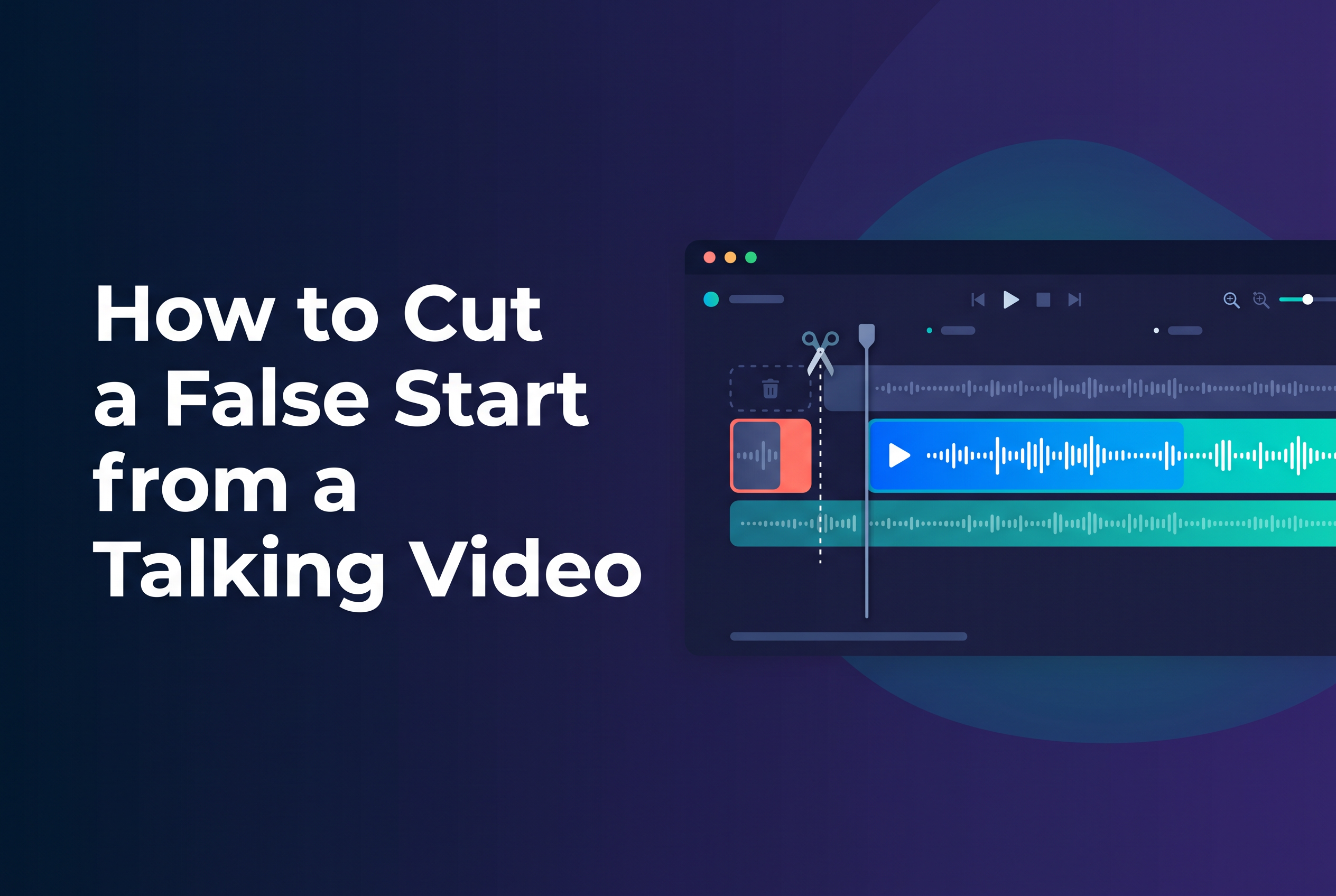
To cut a false start from a talking video, pick the take you're keeping, trim the front of the clip to just before the first clean word, then check that first word's audio so you haven't clipped a consonant, chopped a breath or left a stray syllable. The whole job takes a few minutes if you do the checks in the right order.
Most botched openings aren't botched by the flub. They're botched by the cut. A trim that lands a hair too late chops the "b" off "basically", and a trim that lands too early leaves half a "so, um" hanging at the front. This guide gives you a routine that works in any editor on iPhone or iPad. It also explains how editing through a transcript can help.
What counts as a false start (and why it's worth cutting)
A false start is any opening the speaker abandons: a restarted sentence, a stumbled first word, a "sorry, let me go again", or a long wind-up before the real point. If the viewer hears it, it counts.
Cut it, because the first second of a talking video does the most work. Short-form viewers decide fast whether you sound prepared, and a fumbled opening reads as unprepared even when the rest is sharp. For podcasters repurposing a clip, a false start also breaks the standalone rule: the clip should make sense from its first word. Our guide to picking a podcast clip that makes sense alone covers that side of it.
Not every restart needs surgery. A slightly rough but confident opening often beats a perfectly scrubbed one that sounds stitched. Cut the ones that make you sound lost, and leave the human ones.
Find the take you're keeping before you trim
Decide which take you're keeping before you touch a trim handle. Trimming the wrong take wastes the whole job.
Scrub through the clip and note where each attempt starts. Most to-camera videos have two or three: the flub, a restart, and the keeper. Pick the keeper on delivery, not on position. The last take is often the best, but not always. Sometimes the second attempt has the energy and the final one sounds tired.
Two quick tests help. First, does the take open on the actual point, or on a throat-clear? Second, does the sentence run cleanly into the next one, with no change in tone or distance from the mic? If you restarted after a long pause, your voice may sound different. Catch that mismatch now, not after you've cut.
Trim the front of the clip: a generic step-by-step workflow
Drag the start point to just before the first word of your chosen take, then nudge it until nothing audible sits ahead of that word. The steps are the same in almost any editor.
Open the clip and find the start of your keeper take using the waveform. Speech shows up as a bump; silence is a flat line.
Drag the start handle to roughly the beginning of that bump. Don't aim for perfect yet.
Zoom the timeline in if your editor allows it. Fine control is what separates a clean cut from a clipped one.
Nudge the start handle earlier or later in small steps until the first word begins naturally, with a hair of quiet before it.
Play from the very start of the trimmed clip, not from a few seconds in. You need to hear the opening exactly as a viewer will.
Leave a sliver of room tone before the first word rather than starting dead on it. A cut that begins precisely on the waveform's rise often feels abrupt, because the viewer has no moment to settle. If you've already worked through simple trimming, how to edit video on iPhone: trim and split covers the basics of the handles themselves.
Check the first word's audio: clipped consonants, breaths and room tone
Check the first word's audio on its own. That's where a trim goes wrong: a clipped consonant, a chopped breath, or a leftover syllable from the abandoned take.
Listen for three things.
Clipped consonants. Plosives like "p", "b", "t" and "k" carry a small burst of energy at the start. If your cut lands after it, "politics" becomes "olitics" and the opening sounds like a glitch. If you hear a soft or missing start, nudge the handle earlier.
Breaths. A natural in-breath just before speaking is fine, even good, because it sounds human. A half-breath, cut in the middle, is not. Either keep the whole breath or trim cleanly after it. Don't slice through one.
Stray syllables and room tone. Listen for the ghost of the previous take: the tail of an "and", a lip smack, a restarted "so". Also listen to the room tone, the background hush. If the quiet before your first word is noticeably different from the quiet after it, you'll hear a step at the cut. Keep the lead-in short and consistent.
Headphones make this far easier than phone speakers. A clipped consonant that vanishes on a laptop speaker is obvious on earbuds, and most viewers use earbuds.
Play it back the way viewers will hear it
Play it back from the first frame, at normal volume, on the device and headphones viewers are likely to use, with the picture matching the sound.
Do three passes.
Cold open pass. Watch only the first five seconds, twice. Does the opening feel like the start of a sentence, or the middle of one?
Eyes-closed pass. Listen without looking. Audio flaws jump out when the picture isn't distracting you.
Picture pass. Watch with the sound off. Check your face and mouth: a trim can leave you mid-blink or with your mouth half open, which looks odd even when the audio is clean.
If the sound-off check shows a jump in your head position between the cut and the next moment, you've got a visual jump even though the audio is smooth. For talking-head content that's sometimes fine. If it isn't, a punch-in on the following section can mask it. If you're adding captions, check that the first caption appears with the first word, not a beat before or after.
When the false start is mid-sentence: splitting and joining cleanly
When the false start sits mid-sentence, split the clip before the flub and after the restart, delete the middle, and join the two halves at points where the audio matches in pitch and pace.
The trick is choosing the join. Cut at a natural boundary: the end of a clause or a short pause, not halfway through a word. Then play the join at least three times.
Check these points:
Pitch. If the first half ends on a rising, unfinished tone and the second begins on a flat one, it sounds spliced. Pick a join where the pitch carries over.
Pace. A sudden change in speed is as noticeable as a wrong word.
Breath and room tone. Don't leave a double breath, one at the end of the first half and one at the start of the second. Remove one.
If you've cut out a long stretch, your head may have moved, and the visual jump is a bigger problem than the audio. For handling dead air and gaps between your joins, see how to cut pauses from iPhone video.
Can AI or ChatGPT edit a talking video for you?
ChatGPT on its own can't edit a video file. It's a text assistant. It can help you plan an edit, tidy a script or rewrite an opening line, but it won't cut footage for you in a normal chat.
For actual cutting, you need a video editor. Some editors use AI to speed up the dull parts: generating a transcript, spotting filler words, suggesting trims. So the honest answer to "is there an AI that will automatically edit a video for you?" is: partly. AI can handle chunks of the work, but you still need to check the first word's audio and the joins yourself, because those are judgement calls about how a cut sounds.
This is where transcript-based editing helps. When the video is tied to its transcript, you can see the false start as text, select it and remove it, instead of hunting for it on a waveform. That's the approach behind Cutscript, SAIL Corp's upcoming app for iPhone and iPad, which edits video by editing the transcript, cuts filler words automatically and adds captions, all on device. It's not on the App Store yet, so for today use the manual routine above, and bring the same first-word checks to whichever tool you use. For a broader look at tools, see choosing an iPhone video editor for talking videos.
Join the Cutscript waitlist to cut false starts from the transcript
A clean opening is a listening job, not a trimming job. Pick the keeper, trim to just before the first word, then check that word for clipped consonants, half-breaths and stray syllables before you trust the cut. If you'd rather remove a false start by deleting words than by chasing a waveform, join the Cutscript waitlist at sail.care/cutscript.